

Short answer: If your TENS unit is not working, first distinguish a blank screen from a powered unit with no stimulation. Switch it off before checking pads or leads. Check the power supply, complete pad connections and the selected channel, then change one compatible component at a time. Stop for damaged equipment, heat, burning or painful output.
“Not working” can mean several things: no display, no tingling, one channel working, intermittent stimulation or no change in pain. These need different responses. This guide separates those situations so you can describe the fault and avoid replacing parts unnecessarily.
Pause before changing connections
Return intensity to zero and switch off before touching the pads, leads or output plugs. Do not hold a metal pin, bridge terminals with an object or deliberately wiggle a lead to test live output. This is an external inspection, not a repair procedure.
If the housing, charging port, battery area or lead is damaged, skip further testing and contact the manufacturer. Do not open the controller or attempt a battery repair. A wet device should not be powered on to see whether it still works.
The screen stays blank
- Identify the exact model and read its startup and charging instructions.
- For a rechargeable unit, confirm the specified charging cable and supply are connected to a working outlet.
- Look for the charging indicator described in the manual. A lit adapter alone does not prove the controller is charging.
- After the prescribed charging procedure, disconnect the charger and try the documented power-on action.
- If the device remains unresponsive, stop and report the indicator behavior to support.
For the KONGZEE 9026, the product listing confirms a built-in rechargeable battery and USB-C charging. It does not specify a reset-button sequence or universal charge time. Use the model-specific manual and support page rather than trying reset instructions for another brand.

The screen works but you feel nothing
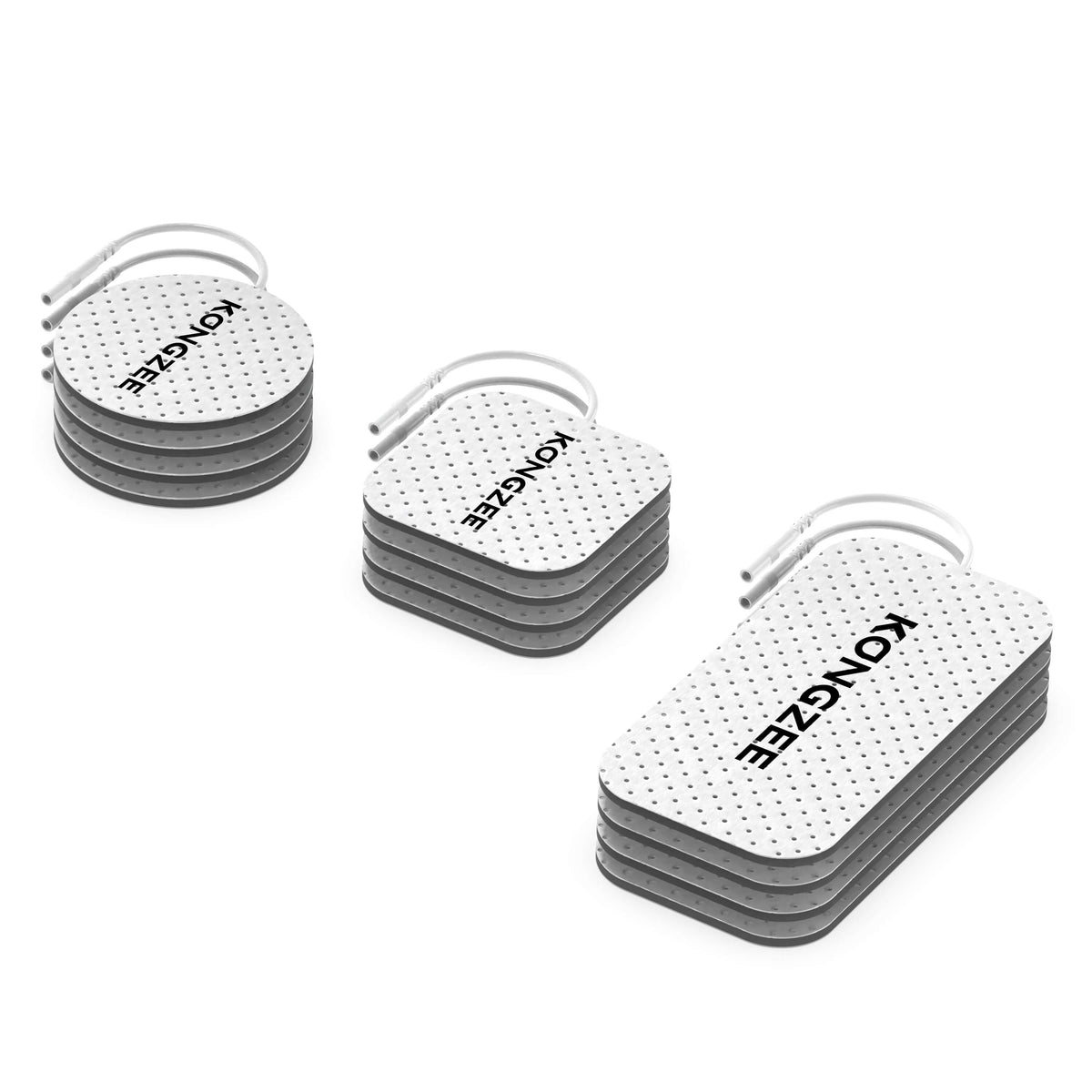
With the unit off, trace one channel from its controller port through the lead to both electrodes. Confirm that all required connections are seated and that both pads in that circuit contact the approved skin area evenly. One attached electrode is not a complete two-pad setup.
Then confirm you are adjusting the channel actually connected. On an A/B controller, increasing A will not necessarily change B. Restart using the normal instructions and increase gradually from the lowest setting. Do not jump to maximum intensity because the first few steps are hard to notice.
Check that a session has been started and has not already ended. Some models have locks, contact detection or other controls; consult your own manual rather than assuming a feature is present. The step-by-step setup guide covers the basic sequence.
Only one channel seems to work
First inspect the inactive channel's complete pad pair and its own intensity setting. If your manual permits it, a known-good compatible lead-and-pad assembly can help separate an accessory problem from a controller-output problem.
- Record which assembly and output were working.
- Reduce intensity to zero and power off.
- Move that complete compatible assembly to the other approved output.
- Follow the normal setup and restart at the lowest intensity.
- Power off again before every further change.
If the problem follows an assembly, a pad, connection or wire may be responsible. If a known-good assembly repeatedly fails on one output, stop and ask support to assess it. Neither observation alone proves which part has failed. Never use damaged accessories as test components.
| Observation | Check first | Avoid assuming |
|---|---|---|
| Blank screen | Documented power and charging procedure | The electrode pads caused it |
| Display on, no sensation | Active channel and complete pad circuit | Maximum intensity is needed |
| One output seems inactive | Its settings and compatible assembly | The controller is definitely broken |
| Output stops and starts | Connections, pad adhesion and visible wear | It is always the battery |
| Tingling but no pain relief | Suitability and clinical advice | The electronics must be faulty |
Stimulation cuts out or feels uneven
Switch off and inspect the full gel surface, pad edges and cable insulation. Pads that lift, dry out or become contaminated may need replacement. Use the electrode maker's care instructions; do not improvise with glue, alcohol or household cleaners. Our pad cleaning guide explains care versus replacement.
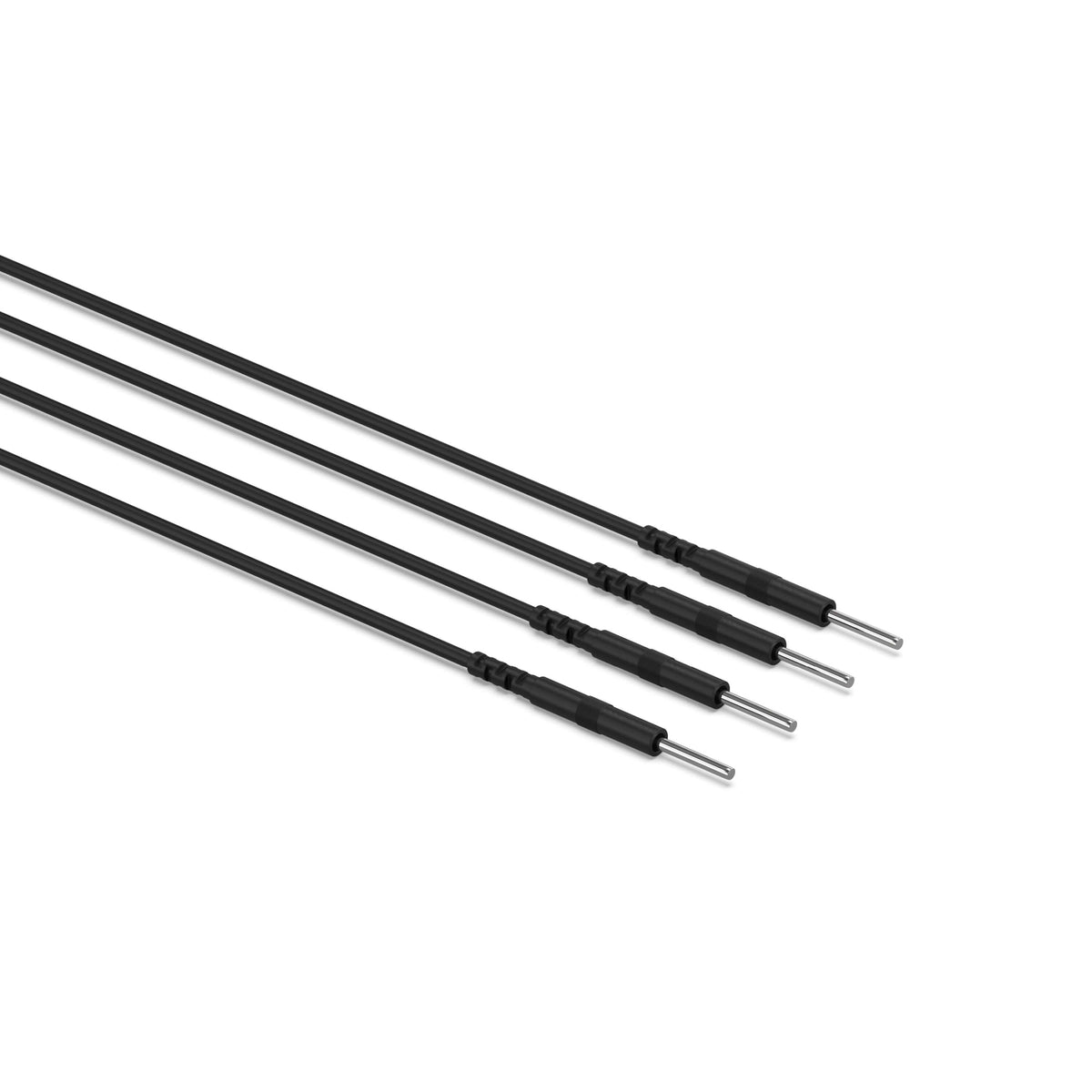
A frayed lead, bent pin or loose connector also needs attention. Compare both ends before purchasing a replacement using the lead wire compatibility guide. A matching pad connector does not prove the device-end plug fits.
Stinging or burning is a reason to stop, not increase intensity. Cambridge University Hospitals describes the intended sensation as strong but comfortable and advises checking skin and electrode condition.

The device tingles but does not relieve pain
That is different from no electrical output. The NHS notes that TENS does not help everyone. Seek advice about suitability, placement and the cause of symptoms rather than repeatedly extending sessions.
Review who should avoid TENS before testing. Do not troubleshoot on numb or injured skin, during sleep, in water or while driving. Stop if your skin becomes irritated.
What to send support
- Device model and purchase platform.
- Order number and approximate purchase date, sent privately.
- Whether the screen and charging indicator work.
- Whether one or both channels are affected.
- Clear photos of the unpowered connectors and accessories.
- The external checks already completed, without repeated painful tests.
Use KONGZEE support for product guidance. For returns or order changes, contact the seller through the platform where you purchased. Do not send payment-card details or sensitive medical information in an initial troubleshooting message.
Common questions
Should I buy a new unit immediately?
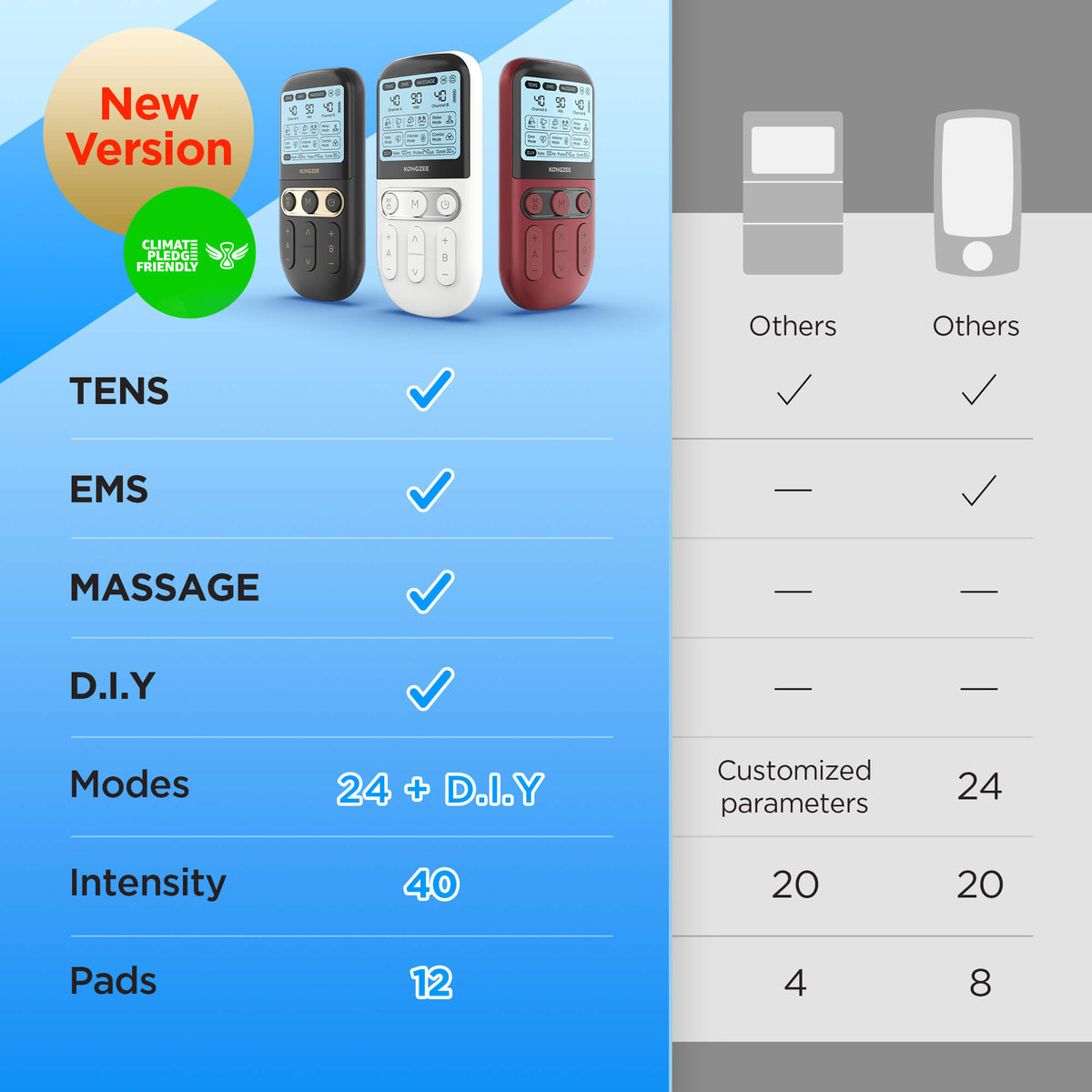
No. Check the documented power procedure and intact compatible accessories first. If replacement is needed, compare the complete KONGZEE TENS and EMS kit with your requirements.
Can I tape a split lead wire?
No. Stop using it and obtain an approved replacement. Tape does not establish that the conductor and insulation are safe.
Why is there no visible muscle contraction?
TENS typically produces tingling; visible contraction is not the test of whether it works. Check the difference between TENS and EMS before changing modes.
By KONGZEE Editorial. Product and source check: October 20, 2026. This is an external troubleshooting guide, not a diagnosis, repair manual or medical review. Lifestyle illustrations do not show testing or treatment.






Leave a comment
All comments are moderated before being published.
This site is protected by hCaptcha and the hCaptcha Privacy Policy and Terms of Service apply.